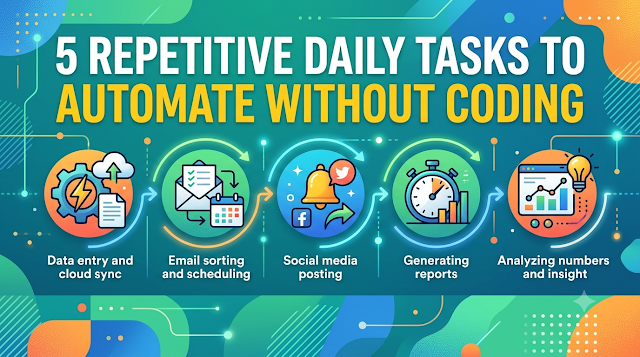

Most people lose hours every week to digital busywork—copying data between tabs, downloading email attachments, scheduling follow-ups, and formatting meeting notes. You don’t need a computer science degree or a massive budget to stop doing these tasks manually.
Modern no-code automation tools act as digital glue between the apps you already use. By setting up simple “If This, Then That” triggers, you can reclaim hours of deep-work time before your morning coffee gets cold.
Here are five high-impact daily tasks you can automate in under 15 minutes each.
1. Saving Email Attachments Directly to Cloud Storage
Digging through old email threads to find a PDF invoice or a signed contract is a massive time sink. Instead of manually downloading files and dragging them into folders, let an automation handle the filing.
- The Trigger: A new email arrives with an attachment (or from a specific sender/subject line like “Invoice”).
- The Action: Automatically extract the file and save it to a designated folder in Google Drive, Dropbox, or OneDrive, renamed with the date and sender.
- Tools to Use: Zapier, Make, or Microsoft Power Automate.
- Setup Time: ~5 minutes.
2. Turning Starred Messages into Actionable Tasks
Important requests often slip through the cracks when they arrive via Slack, Microsoft Teams, or email while you are focused on something else.
- The Trigger: You star a message in Slack, flag an email in Gmail/Outlook, or react with a specific emoji (like ✅ or 📌).
- The Action: A new task is automatically created in your to-do app (Todoist, Asana, Notion, or Trello) containing the message text and a direct link back to the original conversation.
- Tools to Use: Native Slack/Gmail integrations, Zapier, or IFTTT.
- Setup Time: ~7 minutes.
3. Routing Form Submissions and Leads into a Spreadsheet
Whether you are collecting customer inquiries, newsletter signups, or internal feedback, copying form responses into a master tracker by hand invites typos and delays.
- The Trigger: Someone submits a form on your website (Typeform, Google Forms, Tally, or Webflow).
- The Action: A new row is instantly added to a Google Sheet or Airtable base, and a notification is sent to your team’s chat channel so someone can follow up immediately.
- Tools to Use: Tally/Typeform built-in integrations, Google Sheets, or Make.
- Setup Time: ~8 minutes.
4. Auto-Generating and Summarizing Meeting Notes
Typing notes during a call splits your attention, and spending 20 minutes afterward cleaning them up drains your energy. AI meeting assistants can join your calls, transcribe the conversation, and extract action items automatically.
- The Trigger: A scheduled calendar event with a video link (Zoom, Google Meet, or Teams) begins.
- The Action: An AI assistant records, transcribes, and emails a bulleted summary with clear next steps to all attendees—or posts it straight into your Notion workspace.
- Tools to Use: Otter.ai, Fireflies.ai, Fathom, or Notion AI.
- Setup Time: ~10 minutes.
5. Eliminating the “When Are You Free?” Email Ping-Pong
Sending four emails back and forth just to lock in a 30-minute call is one of the easiest bottlenecks to remove from your day.
- The Trigger: Someone clicks your booking link and selects an open slot based on your real-time calendar availability.
- The Action: The calendar invite is sent to both parties, a unique video conferencing link is generated, and automated reminders go out 24 hours and 1 hour before the meeting to prevent no-shows.
- Tools to Use: Calendly, Cal.com, or Google Calendar Appointment Schedules.
- Setup Time: ~10 minutes.
Quick Comparison: Which Automation Should You Build First?
How to Get Started Without Feeling Overwhelmed
Don’t try to automate your entire workflow in one afternoon. Pick one task from the list above that annoyed you today, set a 15-minute timer, and build just that single workflow. Once it runs smoothly in the background for a few days, move on to the next one. Small, compounding automations quickly turn into hours of saved focus every single week.